
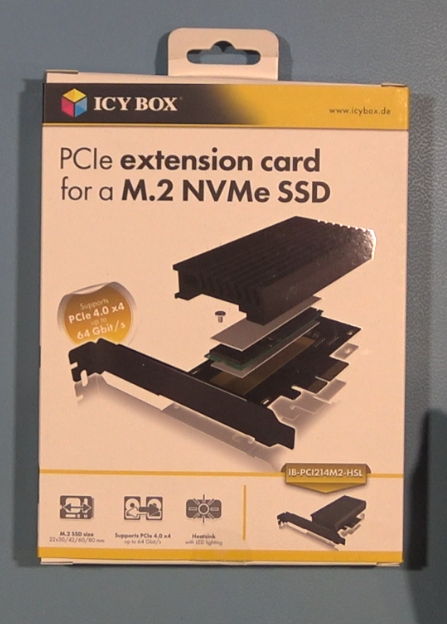
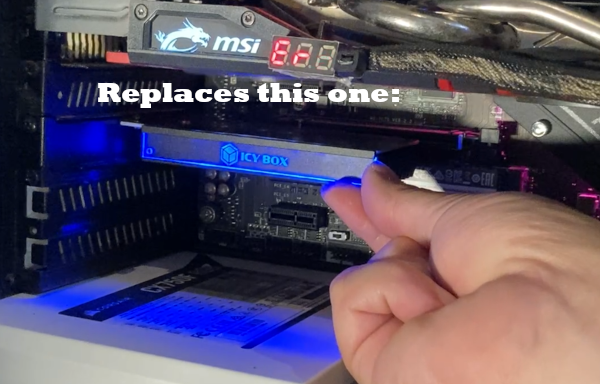
ICY Box M2 NVMe Expansion Card (Logo) Cover
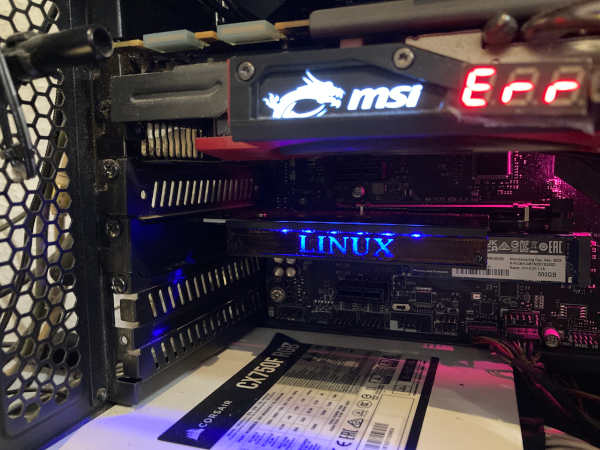
This replacement plate is just that: A simple logo replacement for my PCI-e M2 card, as featured in my Linux M2 Installation video here
Download: 50kb
Information
Very simple to print replacement plate for a PCI-Express M2 card by the brand ICY Box.
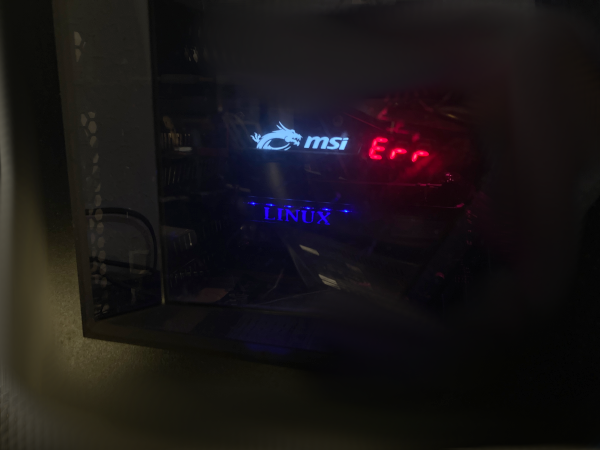
I didn’t want their logo as ‘free advertisement’ in my PC, but wanted something more personal (Linux) on it, since that is what the drive in the card is running 😉
You can just perfectly fine use PLA (I’m using transparent PLA and then at the top layers when it starts to print the letters, I simply switch to black filament).
This simple download is features in myYouTube video here
So to get it multi-color (“semi transparent”):
– Print the first layers (up to the letters part) with a (semi) transparent PLA or PETG
– Once the printer (would) start to reach the Letters part, then you simply switch to a non transparent color (black for best effect)
Which other cards will this work with?
I have no idea, I just made it for my specific card, will it fit for others? I just don’t know sorry.
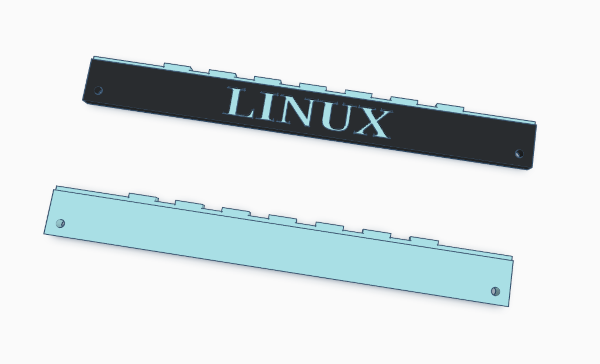
Included in the download
The Linux one I’m using, and a blank one which you can use to ‘cut out’ your own letters or logo (Simply using TinkerCAD for example).
License
License? What license? This is soooo simple, that I find it ridiculous to put any type of license on this 😉😂. If you do need to ‘label it’ with a license: Public Domain, do with it as you please. If it makes you a millionaire? GREAT! have fun😂. Would not mind to see some appreciation by signing up for my Patreon if that happens though😉?